

The CARE 3D app
Book a shoot, follow it to delivery, save the photos to your phone and post them to social media. Free for CARE 3D clients, on iPhone and Android.


Prefer the web? Log in to your client portal. New clients get an account with their first booking. Client login
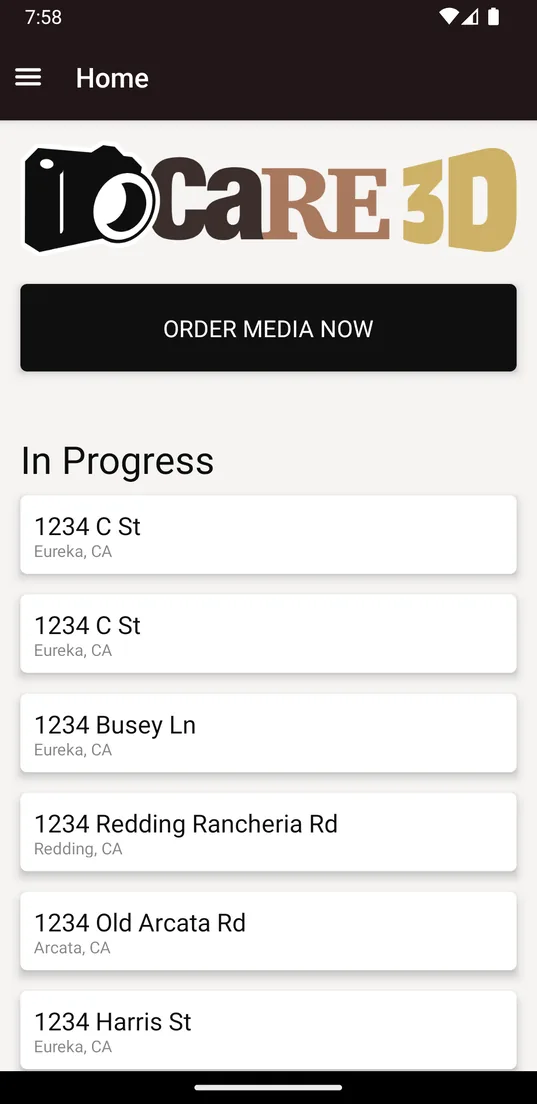
Home 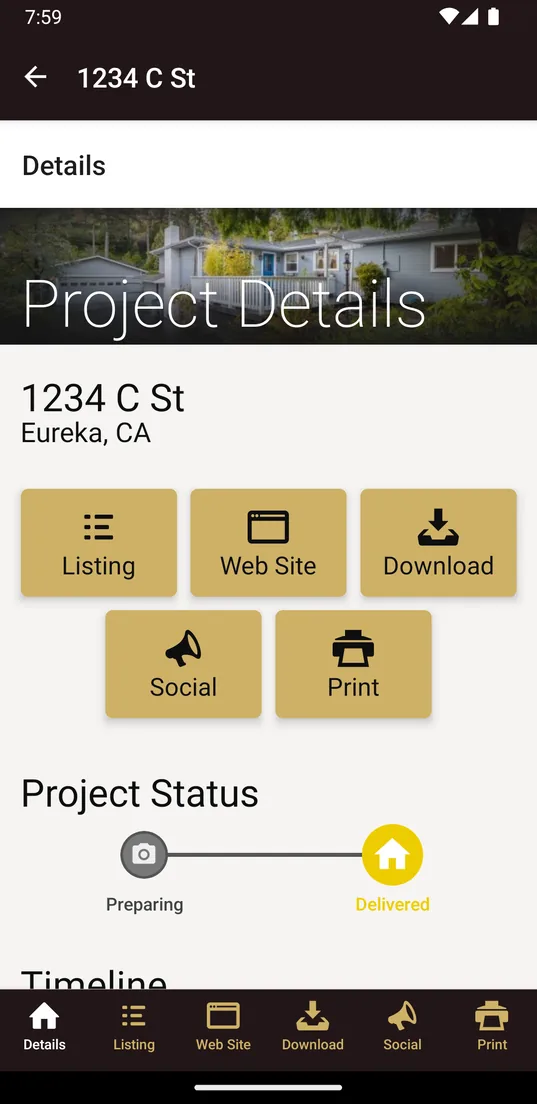
Project details 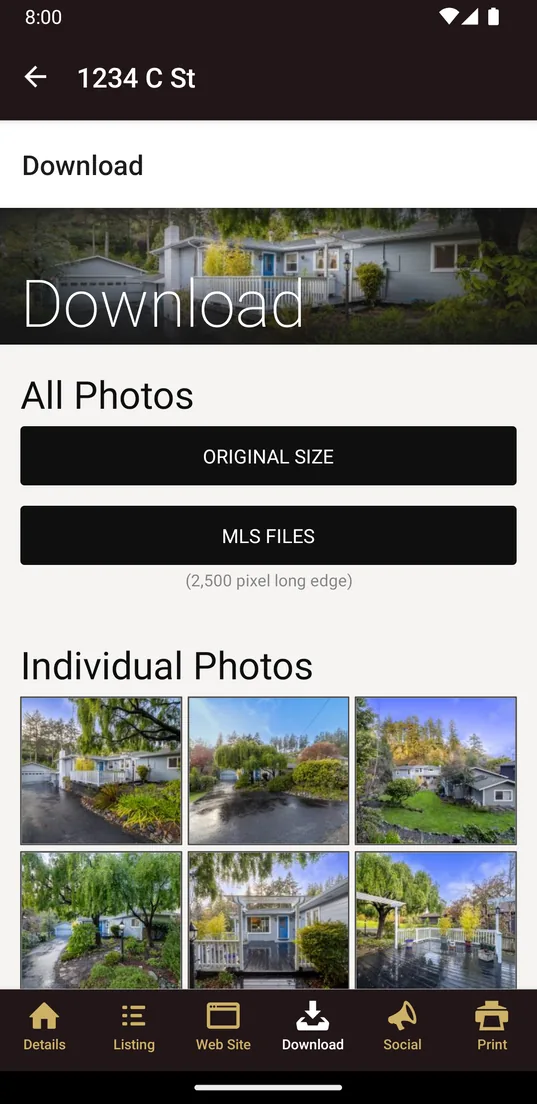
Download 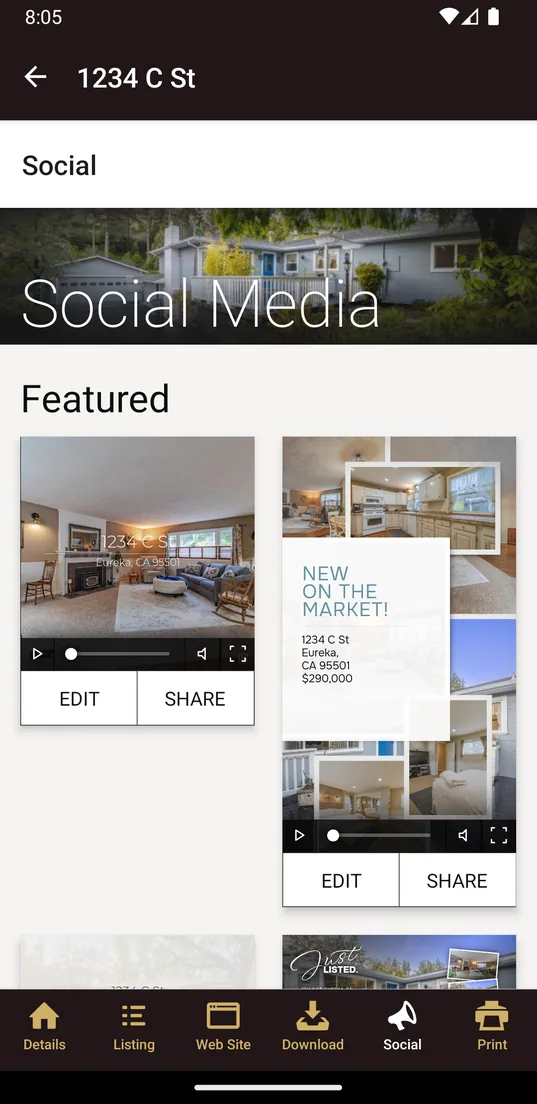
Social media
What You Can Do from Your Phone
Book the shoot when you win the listing
Place a new order from your phone, reschedule a shoot or pay an order balance.
See where your order stands
Each project shows its status from Preparing to Delivered, and your appointments are listed in the app.
Get a notification when your photos are ready
The app tells you on your phone when your photos are delivered and reminds you of your appointments.
Save photos to your camera roll
Download your photos straight to your phone, with no zip files. Pick original size or MLS size.
Post reels and stories
Reels, stories and TikTok designs for your listing are ready to edit and share. Send photos and marketing pieces by text or email too.
Keep the listing's links and print pieces at hand
Open the listing's website, copy its links, update listing details and print marketing materials.
Get the app
Log in with the email and password of your CARE 3D account.